Portfolio Website
Design & Development
Building design portfolio website - from AI-assisted ideation to final design and development in no-code platform
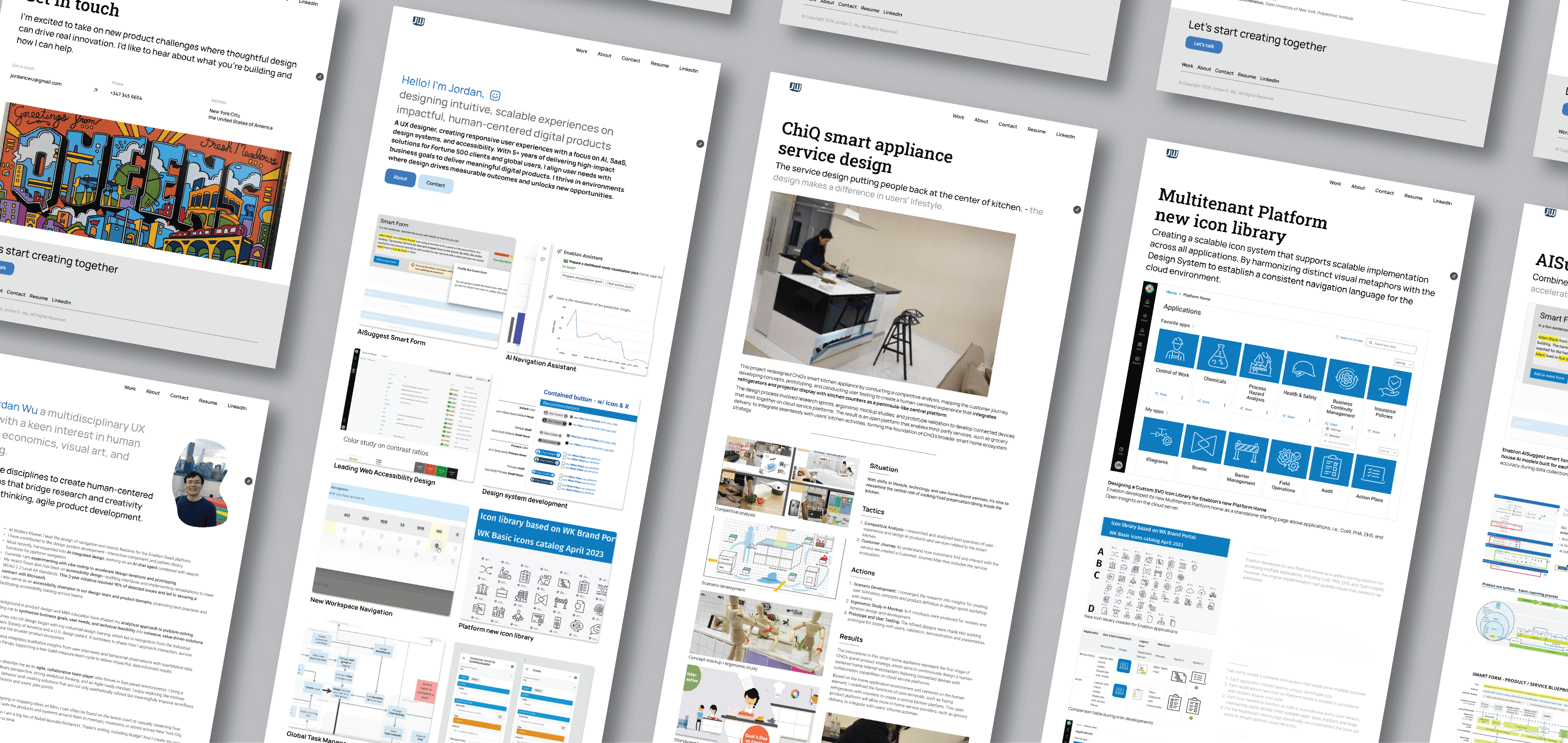
Designed and built my portfolio website using a combination of AI tools and no-code platforms, taking it from initial concept on paper to a fully responsive, published site. This page unpacks my journey—from early experiments with no-code tools to my latest workflow using Relume AI, Figma Sites, and Framer.
Relume AI - wireframing, sitemap, and style guide formulation
Figma / Figma Sites - layout design testing
Framer - fully functional website design, development & launch
Notion, Claude.ai, Gemini, and ChatGPT: content writing/editing
CSS Flexbox layout model
Responsive/fluid UI design
Information architecture & sitemap planning
Wireframing & prototyping with prompting in AI tools
Content management systems (CMS)
AI-assisted content planning
No-code website development
AI-assisted design & ideation
As a UX designer with foundational knowledge in HTML, CSS, and JavaScript, I've long been comfortable working with flexbox concepts and responsive UI design. Over the years, I've built on that foundation through hands-on experience with no-code platforms including WordPress, Squarespace, Webflow, and Framer.
Helped launch new product promotion websites for business
Built official websites of business and professionals
evolved my own portfolio presence
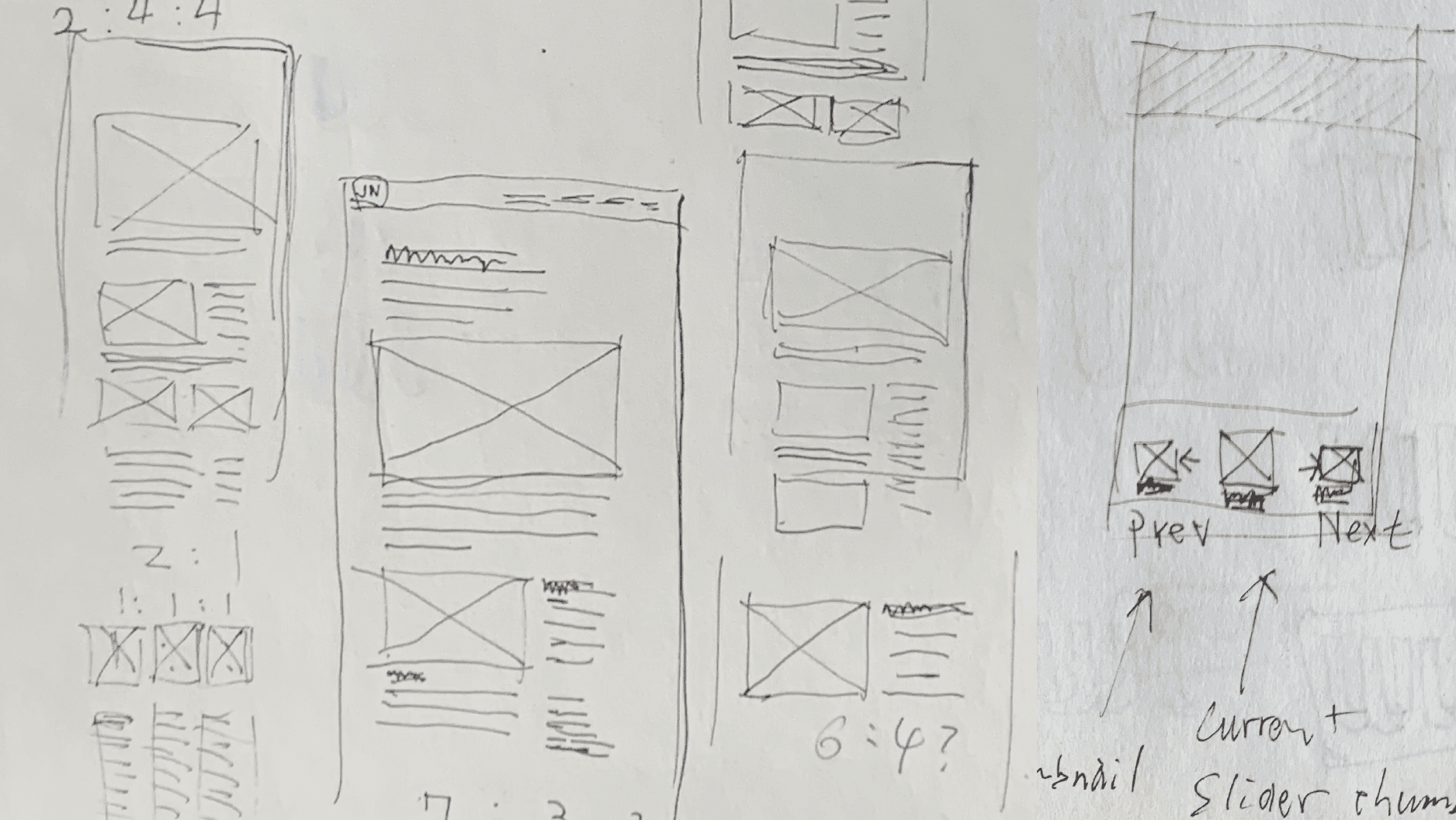
Ideation & Wireframing - sketching out the sitemap and hand-drawing wireframes for pages before bringing the ideas into digital tools.
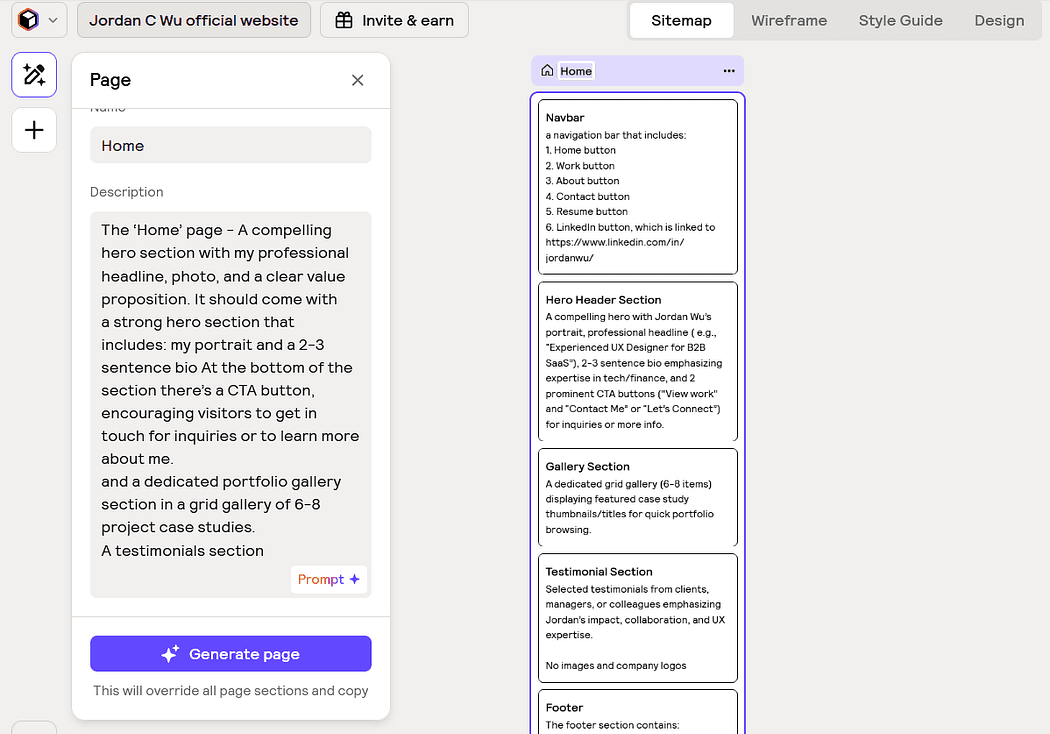
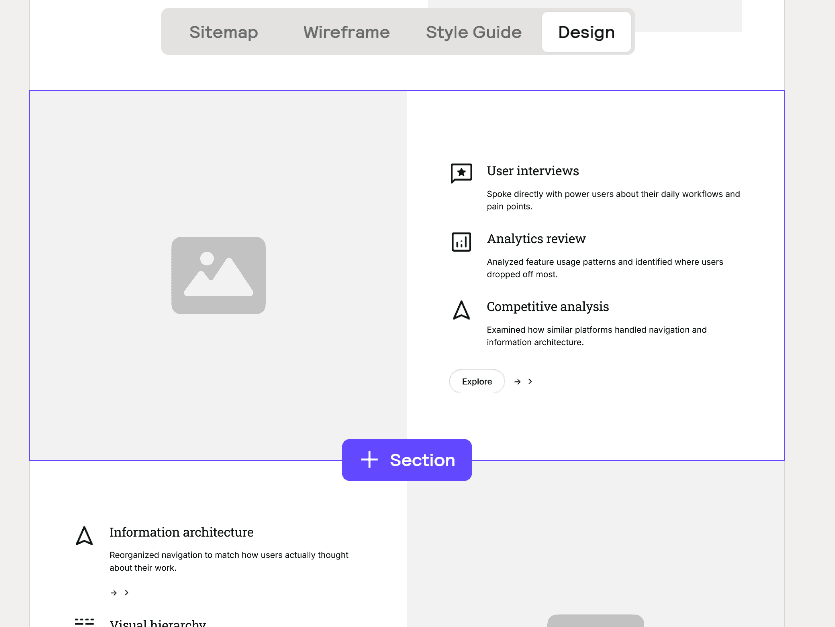
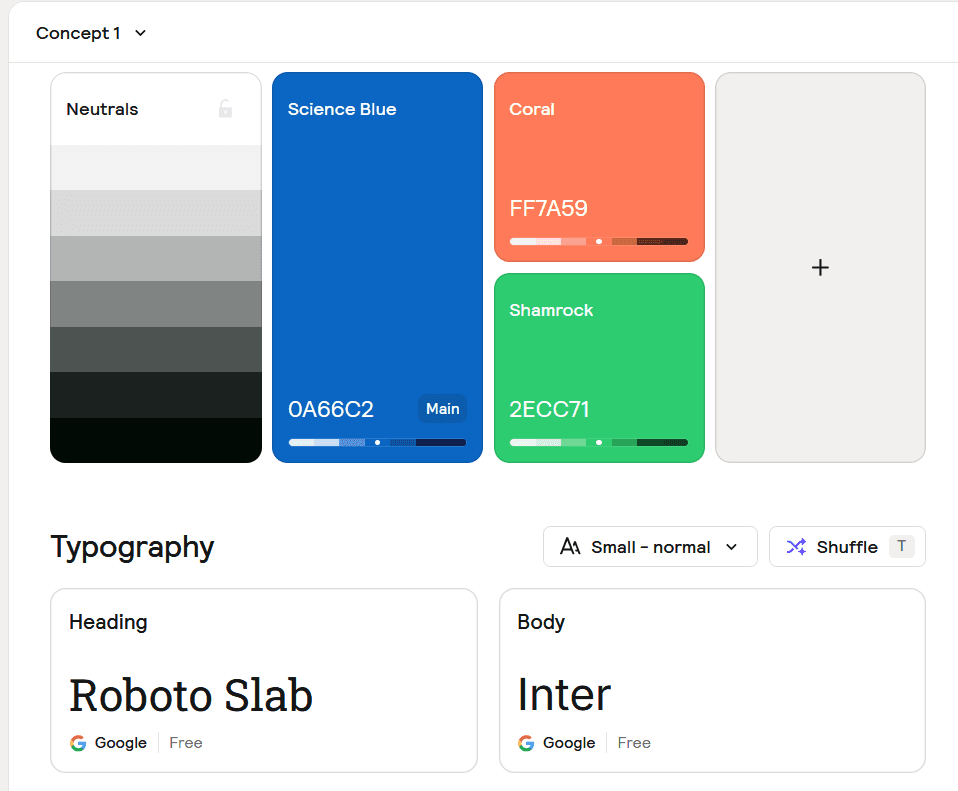
Exploring AI with Relume - by feeding my wireframe outlines into prompts, quickly generate initial sitemaps, wireframes, and style guides — a process that would normally take hours condensed into minutes. Relume AI helped me to:
Scope the site structure in minutes
Generate component ideas and layout directions
Export sitemaps and wireframes directly into Figma Sites
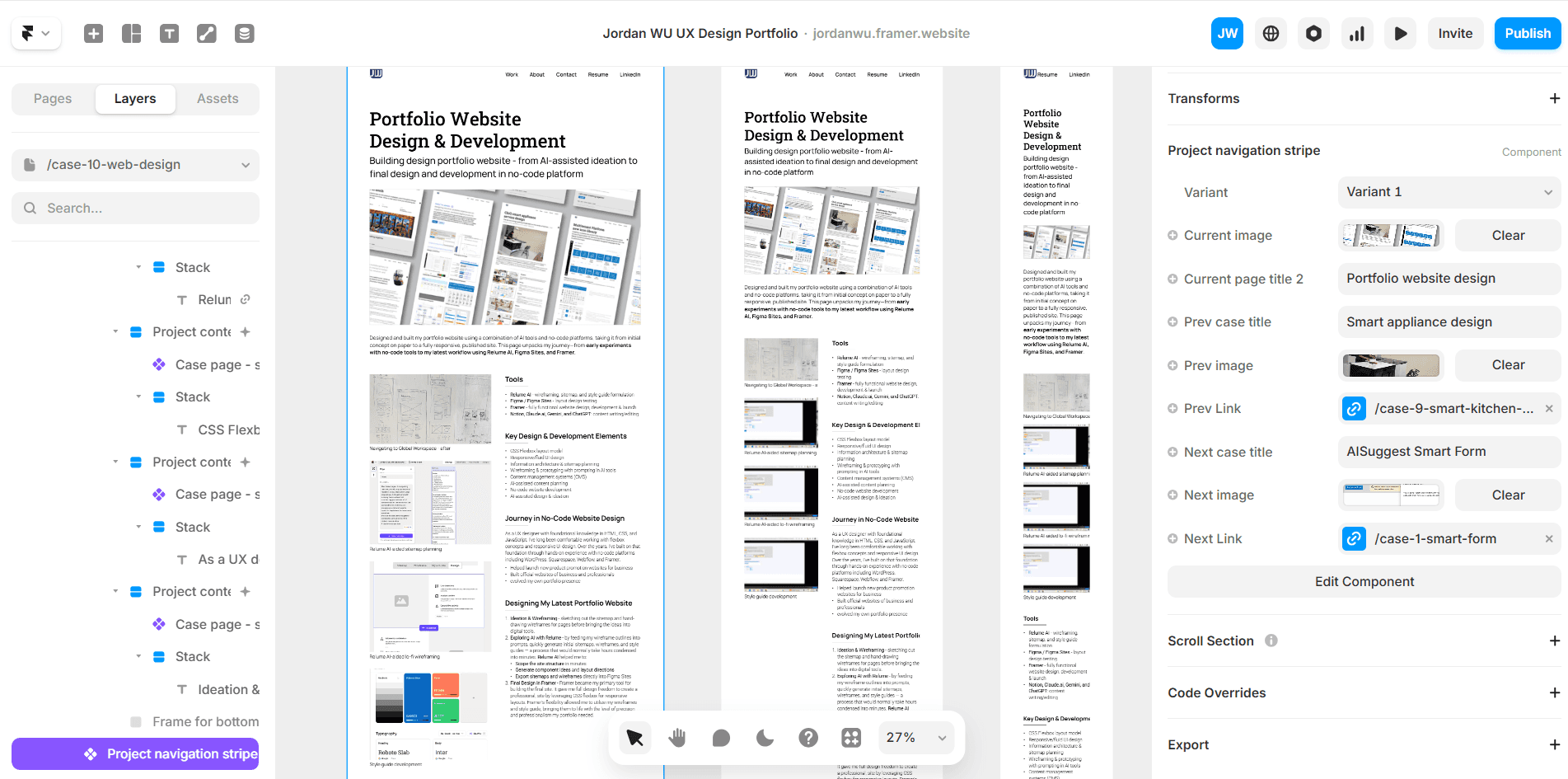
Final Design in Framer - Framer became my primary tool for building the final site. It gave me full design freedom to create a professional, site by leveraging CSS flexbox for responsive layouts. Framer's flexibility allowed me to utilize my wireframes and style guide, bringing them to life with the level of precision and professionalism my portfolio needed.